Units
Overview
This feature is available starting with PROCON-Connect 1.5.0.
Physical units can be managed and assigned to numeric tags. Basic units are already configured by default to make adding application-specific units more intuitive. These units can be edited or deleted.
Units
An overview of managing existing units and a starting point for adding new units.
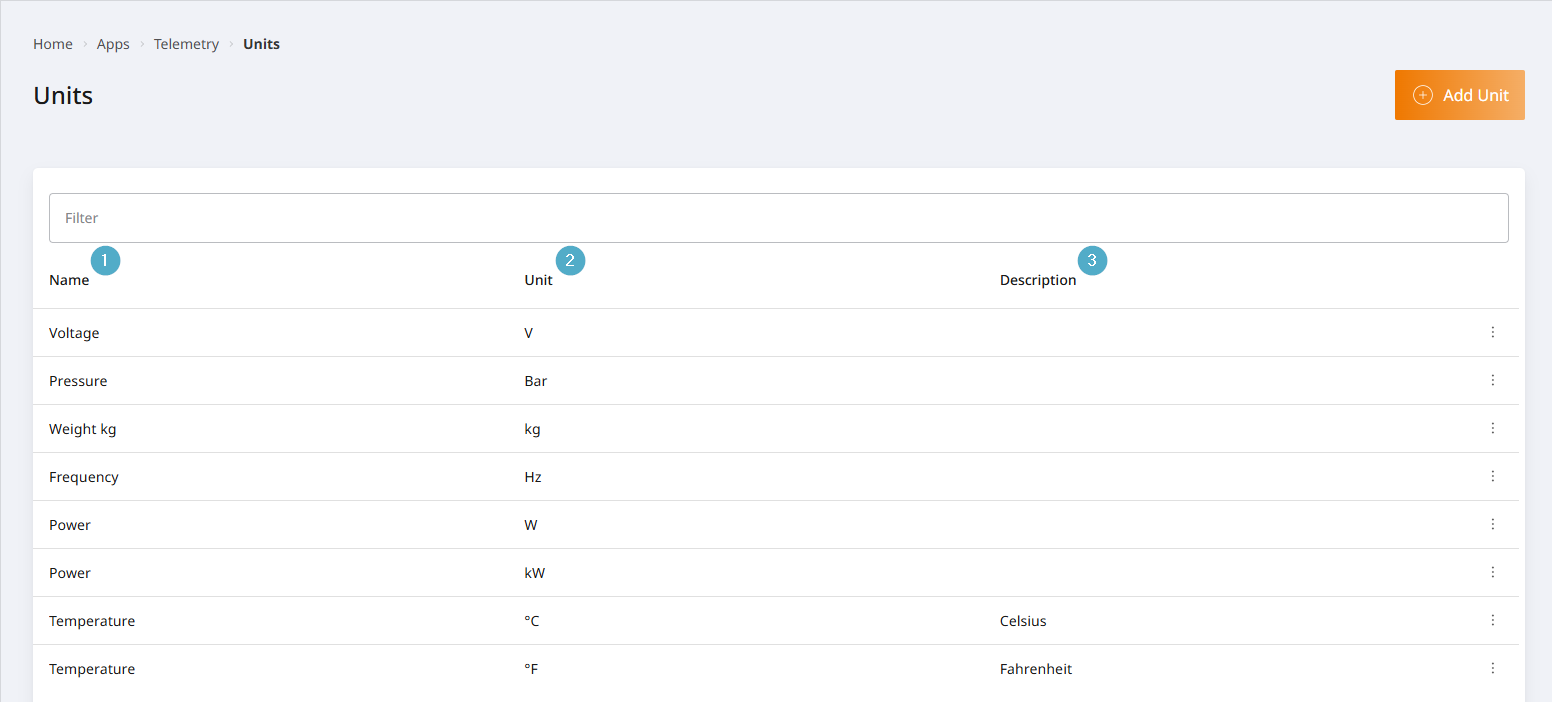
Name: Name of the physical unit. Used for a brief description. Required field.
Unit: Symbol for the physical unit. Used to represent the unit in visualisations. Mandatory field.
Description: Additional description. This is only displayed in the unit overview and has no other effect.
Configure units
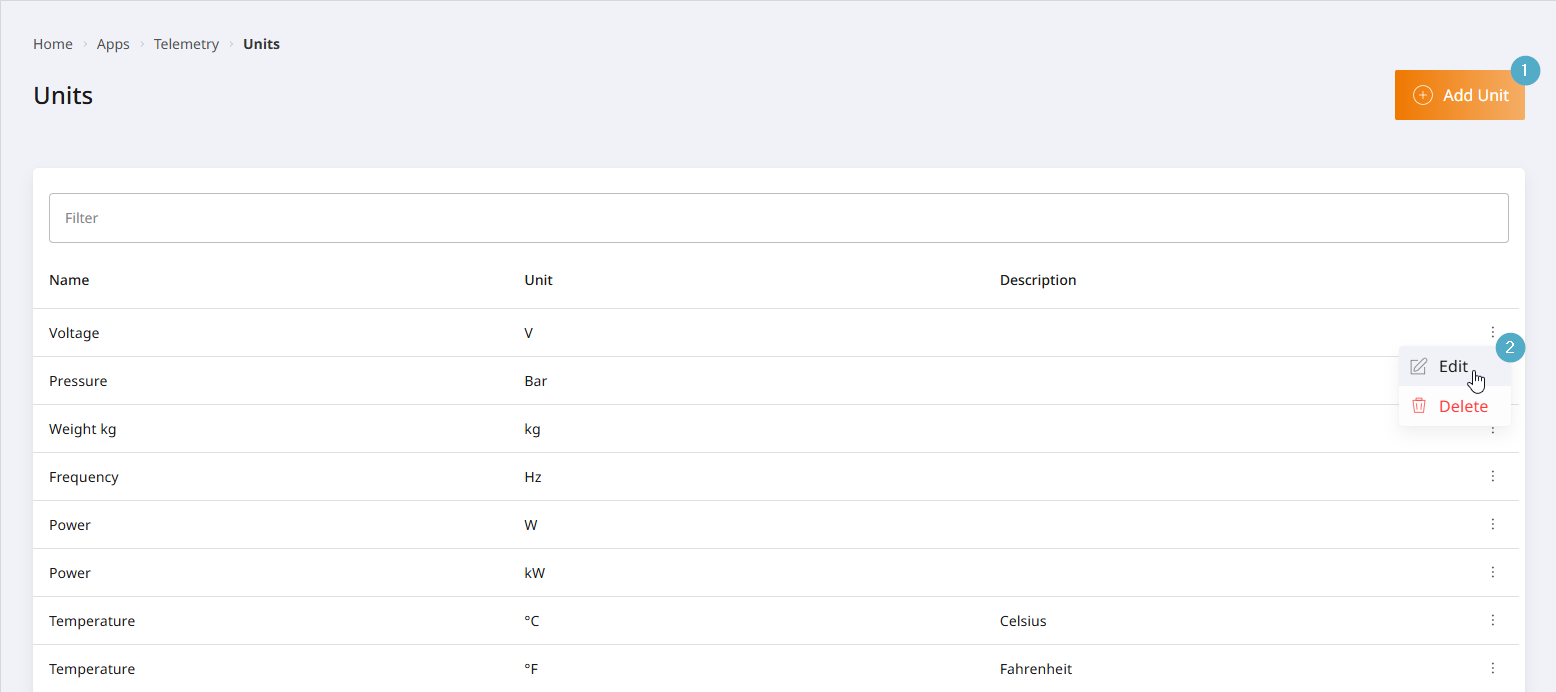
Assign a unit to a tag
On the Tags page, the Edit tags function can be accessed for numeric tags.
You can select a unit from the Unit dropdown menu in the tag editor dialogue. The units are displayed here in the format Unit | Name to make them easier to identify. Only the Unit is displayed in the value visualisations.